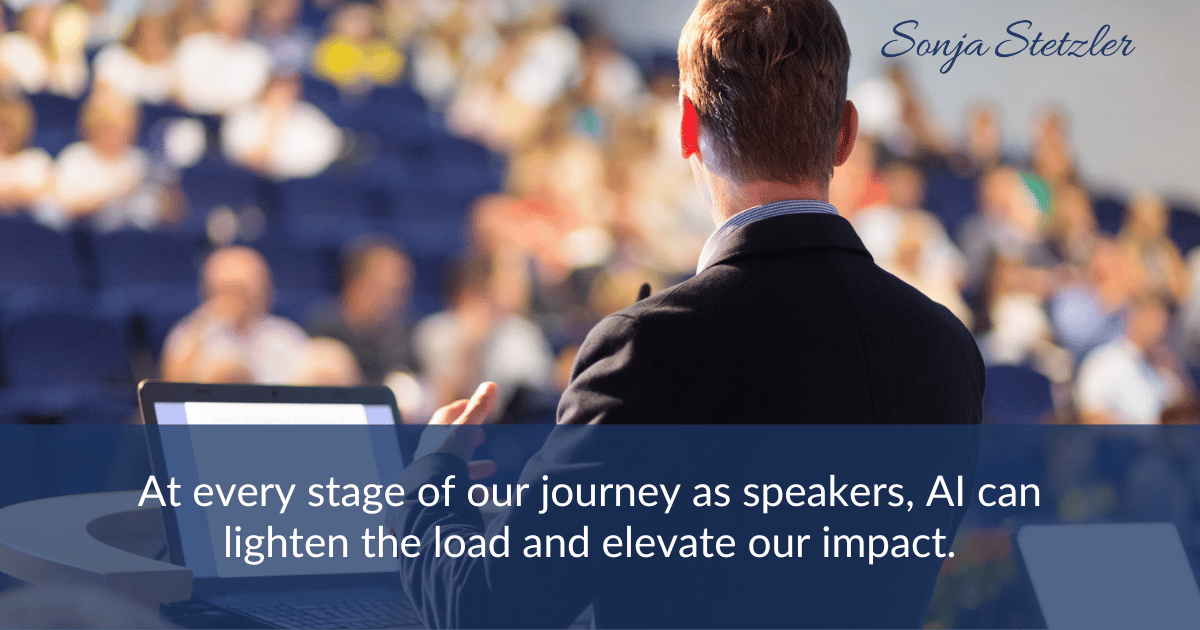
Leveraging AI support can be quite helpful in every phase of our work as speakers.
Over the past month, I have been experimenting with AI. Here are 5 ways AI can support your work as a speaker.
5 ways you can use AI support:
1. Content Creation and Development
Have you ever been stuck thinking about a topic or content for a new presentation for a particular audience? Here are several ways AI can help:
- Ask AI to generate 3 – 5 story ideas to open your presentation.
- Ask AI to rewrite or revise sections of your script for more clarity or to add humor.
- Ask AI to edit your script to adjust to a particular audience (such as Gen Z vs. Boomers, or for a particular industry).
2. Audience Research
Speaking to a new audience? Not sure of the pain points you’d like to address in your talk?
Use AI to help you research and better understand an unfamiliar audience by asking it to summarize industry trends, identify common pain points, and explain jargon specific to the niche.
Ask AI to create a persona or a typical audience member in the industry to better customize your message.
3. Practice and Rehearsal
There are several AI tools available to help with rehearsing your presentation. My favorite is Yoodli — it allows me to practice sections of my speech and gives me specific feedback with regards to my delivery.
Another useful way to use AI is to ask it to simulate audience questions or objections so you can better prepare and practice your responses for Q & A.
4. Visual Support
Do you find that creating visuals and slide decks takes an inordinate amount of time? The following AI tools can come to your rescue.
Most of these tools can create your deck from a text import:
Gamma, Decktopus, PlusDocs & Slides AI.
5. Speaking Business
AI can help you write proposals, contracts, follow-up emails, audience feedback surveys, and marketing materials like your speaker one sheet.
Another useful way to use AI is to ask it to search for conferences where your target audience will be attending and to give you the meeting planner contact information.
After you have uploaded your speaker one sheet to your AI, provide a prompt such as: “Using my speaker one sheet as well as the provided information about my ideal audience, please provide me with a list of 20 or more associations (along with their website and an email contact for someone working with events and planning)” that I would be a great fit for speaking to (please include their website as well as an email contact).”
Check Before You Trust
AI is not perfect – if you use AI for any aspect of your work, always be sure to check its output. Its output will only be as good as the prompt you give it.
And it may not be accurate. I once asked ChatGPT to write a short bio for me, and it gave me credentials I did not have!
Have you experimented with AI in your speaking work? I’d love to know how you are using it!
Enter your name and email below to grab my FREE Speaker Checklist to feel fully prepared and confident to deliver your very best.